Accounting
From delivered to paid.
When the POD lands, the load shows up ready to invoice. Make the invoice, send the factoring packet as one PDF or put the load on a schedule, and see what every load and every truck made.
Invoicing, factoring and QuickBooks open once your company is verified with FMCSA.
What's in it
The books, kept by the loads themselves
The numbers come from the loads and the receipts, so nobody types them into a second system.
Invoices from the load
Detention, lumper and other charges go on the load, and the invoice PDF is saved to it. The invoice number is the load number; a load without one gets the next number of a company counter.
The packet in one PDF
Invoice, rate con, BOL, POD and lumper receipt merged into one file and emailed from the load card in your company's name.
Factoring schedules
Put invoiced loads on a schedule; each one is checked for its papers. The schedule PDF has a cover and every packet. Mark it submitted, then funded.
QuickBooks Online
Invoices and their payments go over, closed settlements as bills to the driver, paid expenses as purchases, into the accounts you map.
Expenses with receipts
By truck, driver or load, paid or a bill, with the receipt photo. Recurring ones write themselves; one charged to a driver lands on their settlement.
Reports that answer
Profit and loss, profit per load, by customer, driver, dispatcher or truck, two periods side by side, and each truck's cost per mile.
Getting paid
Chase what's late. Match what came in.
After the invoice goes out, the same workspace follows the money until it's in the bank.
Receivables
Open invoices per customer by age: 0–30, 31–60, 61–90 and 90+ days, past due by each customer's terms. Notes on every call, and a reminder email listing the invoices you pick.
Payment matching
Drop the remittance as CSV, Excel, a PDF or a photo. Each line finds its invoice by invoice, load or PO number, short and over payments are flagged, and Confirm marks the loads paid.
Factoring reserve
Each funded schedule keeps its advance, fee and reserve. The reserve held by each factoring company, its releases and chargebacks add up to one balance.
Detention, layover, TONU
Proposed from the stop times and the customer's free time and rate. Nothing is billed until the accountant approves it.
Receivables
Know who owes you, and how late
Invoices age from their date. A customer's own payment terms decide what's past due, or yours, or 30 days. Loads sold to a factoring company show apart, so you chase only what's yours to collect.
- Collection notes stay on the customer and can't be edited later
- A reminder email with the open invoices you pick, from your company's name
- A remittance that pays them is matched in Payments
Customers
See who pays slow before you book them again
Every broker on your loads becomes a customer with loads, revenue, rate per mile, average days to pay, what's unpaid and what's past terms. Open one to see its unpaid loads and which drivers hauled for it.
- Payment terms per customer, 30 days unless you set others
- Customers who pay you directly never land on a factoring schedule
- Their FMCSA status next to the name
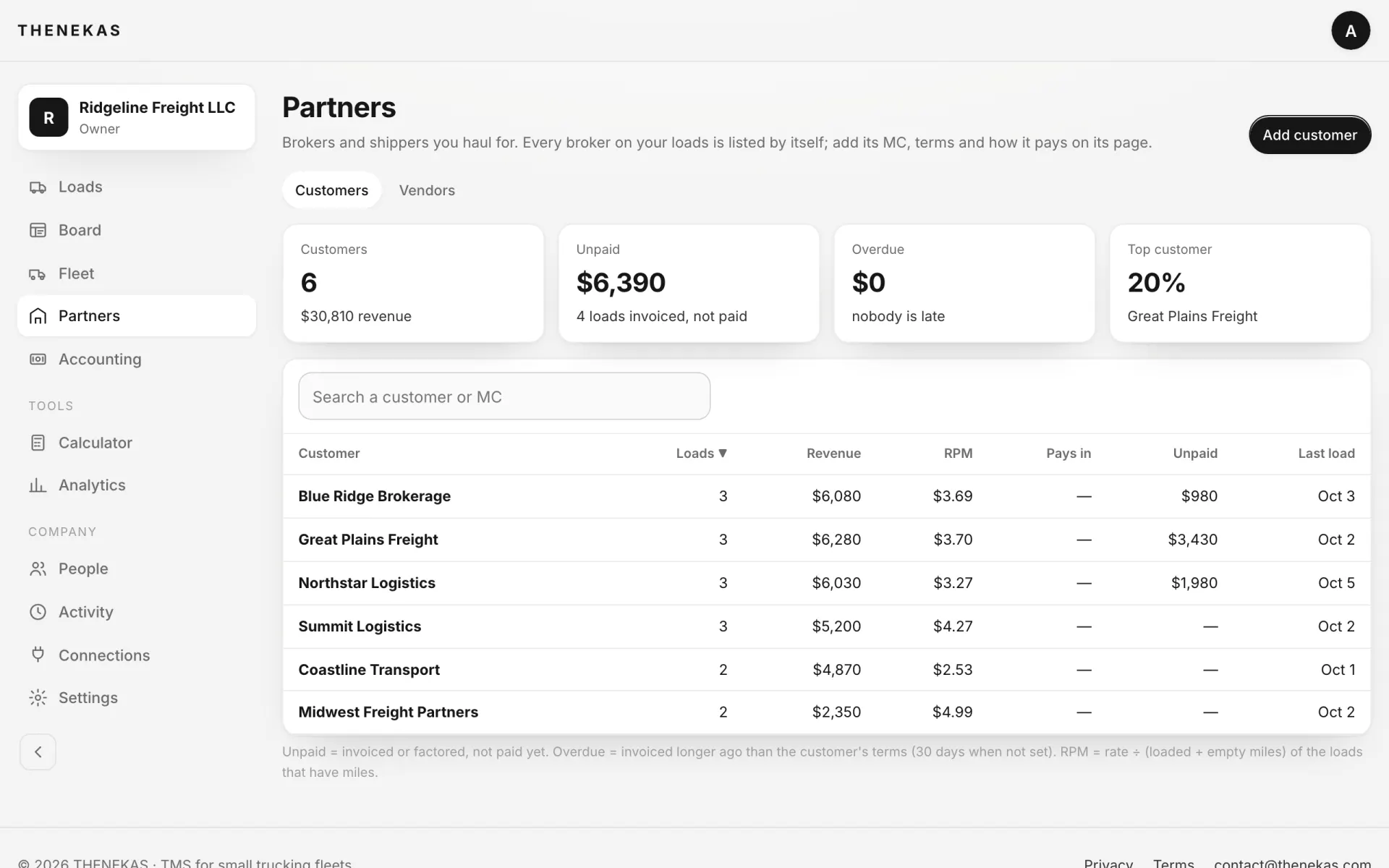
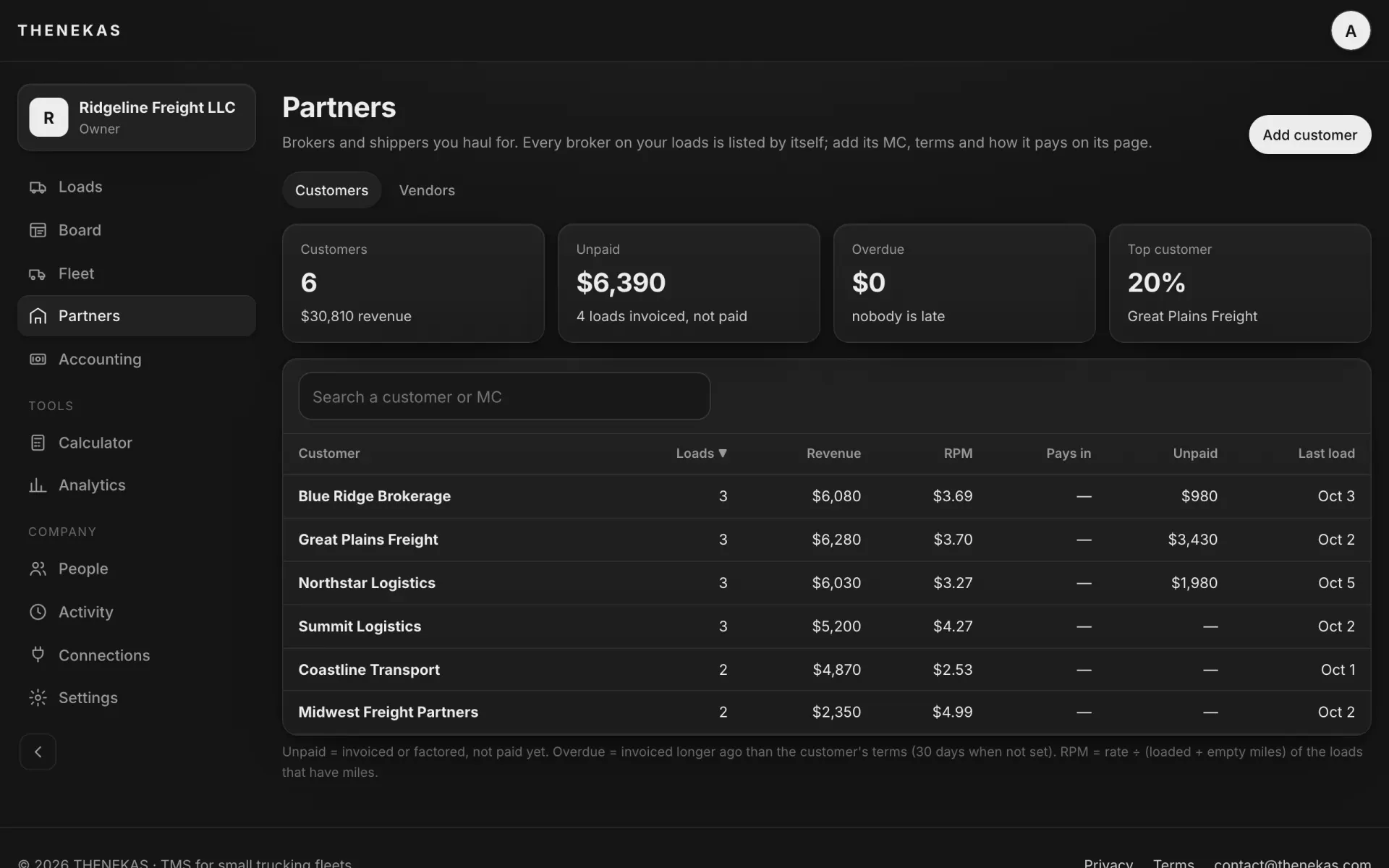
Demo company. Customers and amounts are made up. Swipe sideways for the whole screen.
IFTA
The quarter adds up from your loads
Each load's route is split into miles by state when it's planned. Fuel-card imports add gallons by state. The worksheet shows the MPG, taxable and net gallons, and each state's tax rate, tax due, tax paid and net, with a CSV to file from.
- Older loads get their state miles with one click
- Fuel bought without a card can be typed in
- Weight-distance taxes (Kentucky, New Mexico, New York, Oregon) aren't counted yet
How it works
Four steps from the POD to the bank
- 1
Delivered
The driver's BOL and POD land on the load, and it shows up in Ready to invoice.
- 2
Invoice
Add the charges, approve any detention the stop times proposed, and make the invoice PDF; it's saved to the load.
- 3
Get paid
Email the packet, put the load on a factoring schedule, or chase it in Receivables.
- 4
Close the books
Match the remittance, send it to QuickBooks Online, and read the reports.
Related
The rest of the money
Invoice the next load from here.
Verify your company with FMCSA and the invoice and the packet are on the load card. Free during early access.